- Heat Transfers
- Design & Tools
Create
Start Designing
No artwork? Several designs?Plan
All Tools
Price, Preview & Prepare - Help Center
- Contact Us
Sign In
Menu
Orders can be placed as soon as the quick online registration is complete.
Build print-ready heat transfer art right in your browser, free. No Illustrator or design experience needed.
From a blank canvas to an order in four steps.
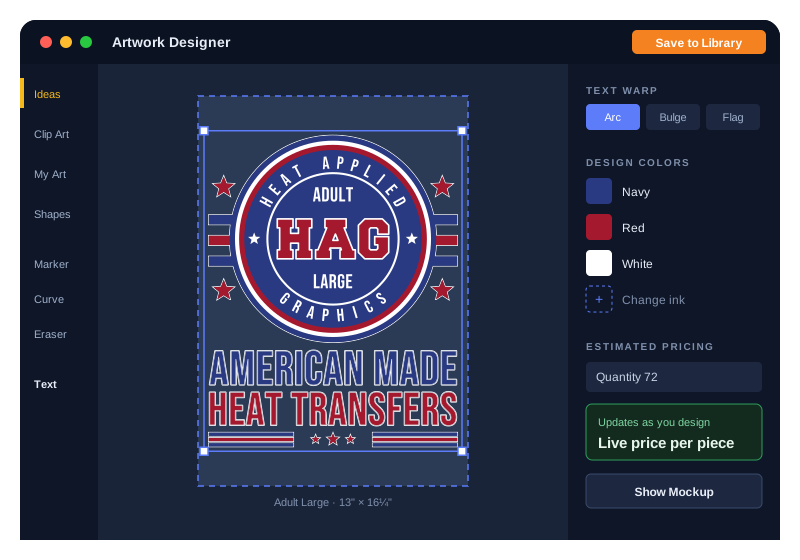
Shirt front, left chest, sleeve, youth or your own. Every preset is a size we print.
Add clip art, shapes and curved text, draw your own, or drop in your logo.
Every color is a real PANTONE ink, with a live price as you go.
See it on a shirt, save it to your Art Library and order. We review it before it prints.
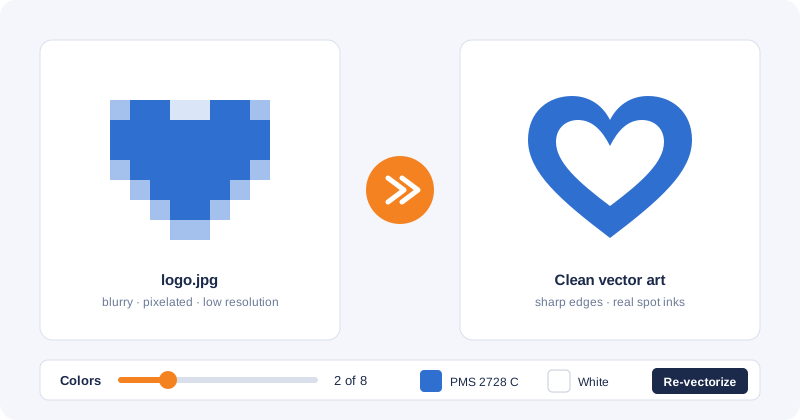
Got a logo as a JPG, a PNG off your website or a PDF from a client? Drag it onto the canvas.
No. Designing is free — you only pay for the transfers you order.
You can open the designer and start right away. Sign in to save your work, use your own artwork, import files and create mockups — your drafts then save automatically to My Designs.
Yes. When you save a design to your Art Library, our art team reviews it before it prints.
Start from a popular print size — shirt front or back, left chest, long sleeve or youth — or enter your own width and height. You can resize the canvas at any time.
Yes — once your designs are in your Art Library you can bundle them on one transfer sheet.
Our art team can design it for you — request a design, or see everything they do on Artwork Services.
Free to use. Pay only for what you order.